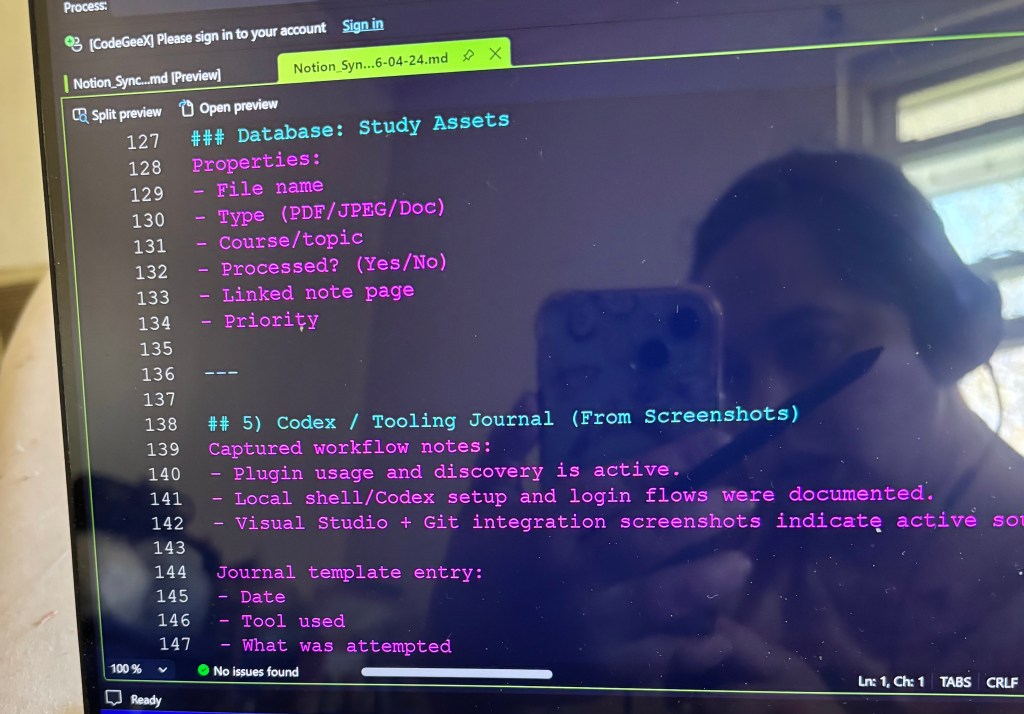
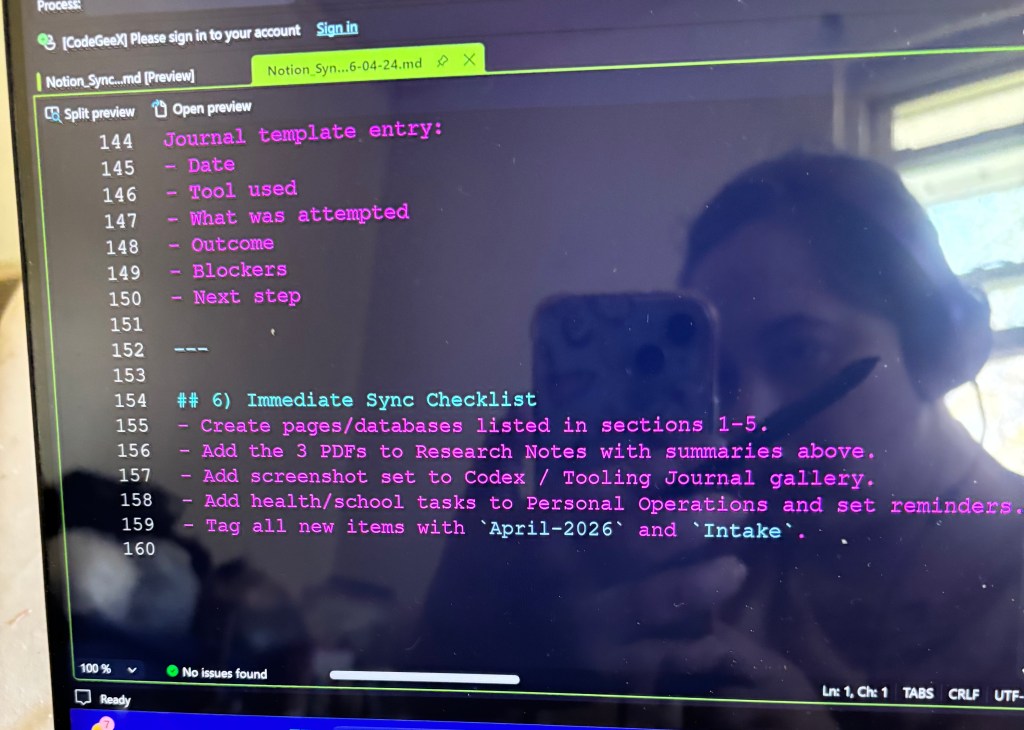
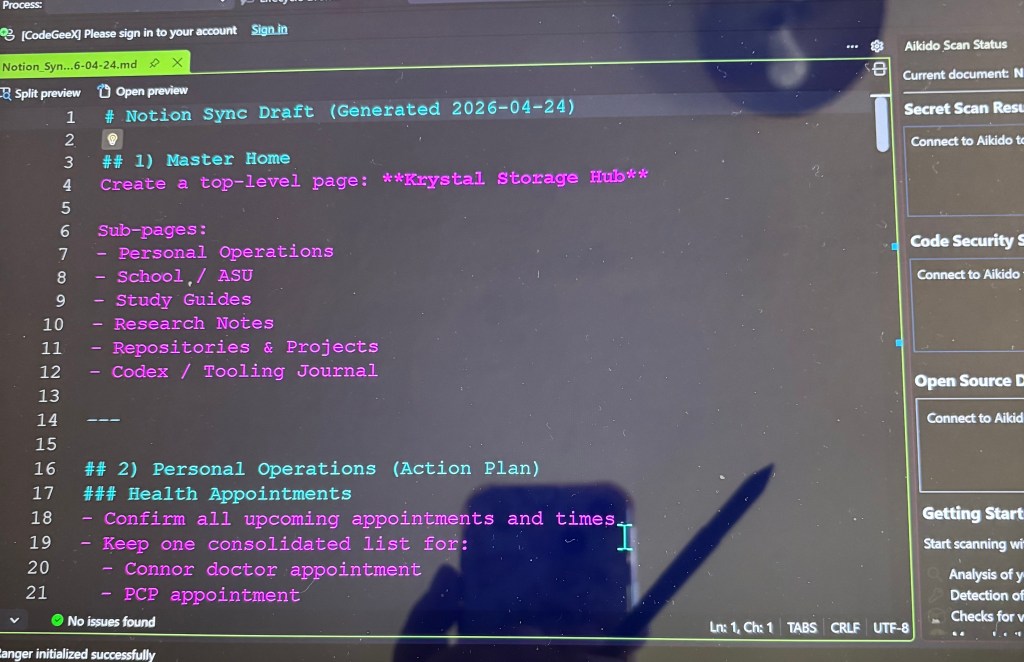
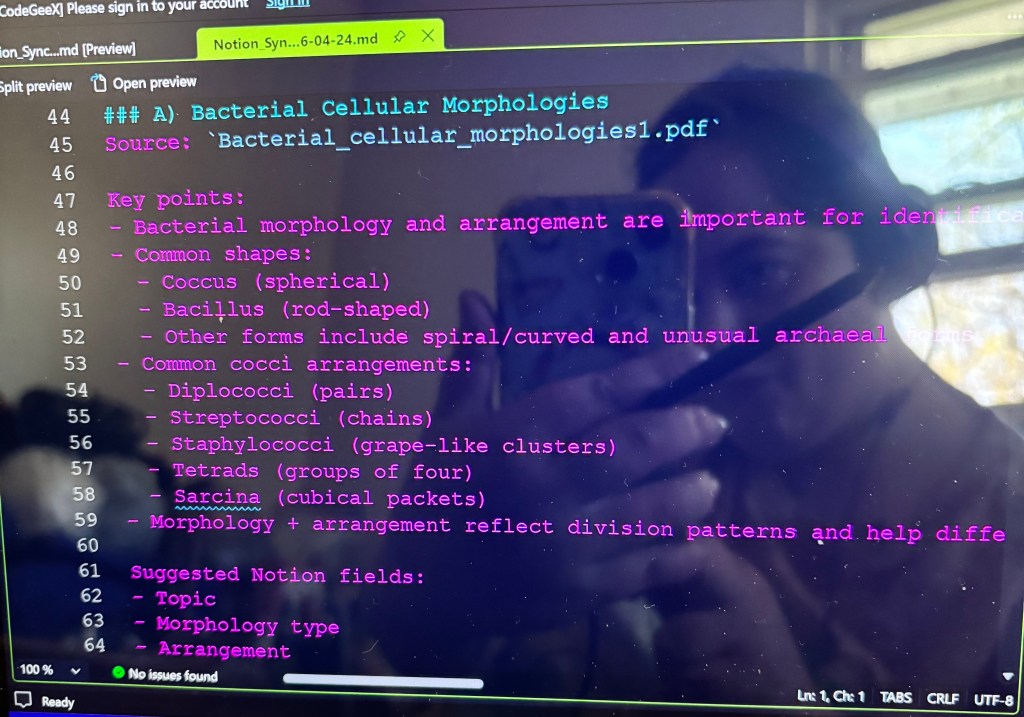
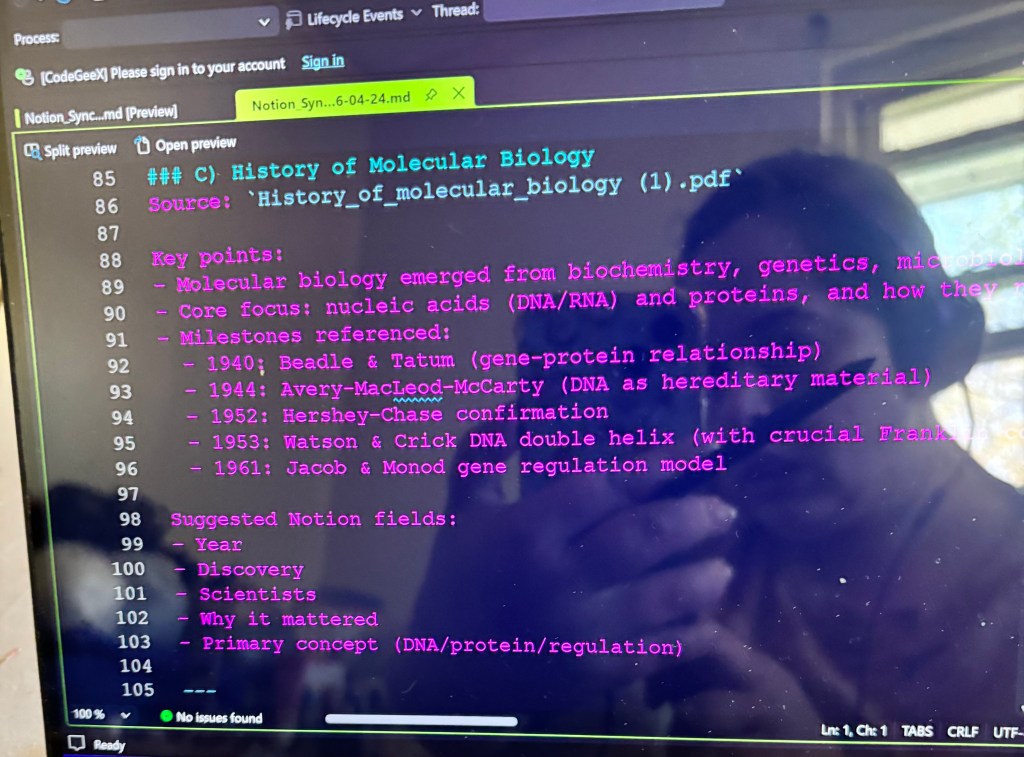
I made this in Codex with the plug -ins Github, Notion and Expo. Its a outline of the files and images I put into my Notion plug-in.
Structured Sunmaries from:
Bacterial_cellular_ morphologies1.pdf
• List_of_best-selling_books 1.pdf
• History_of_molecular_biology
(1) • pdf
Repo/project organization notes from your GitHub screenshots.
Codex/tooling journal section from setup/plugin screenshots.
A concrete sync checklist.
Search: notion assignment tracker tutorial’
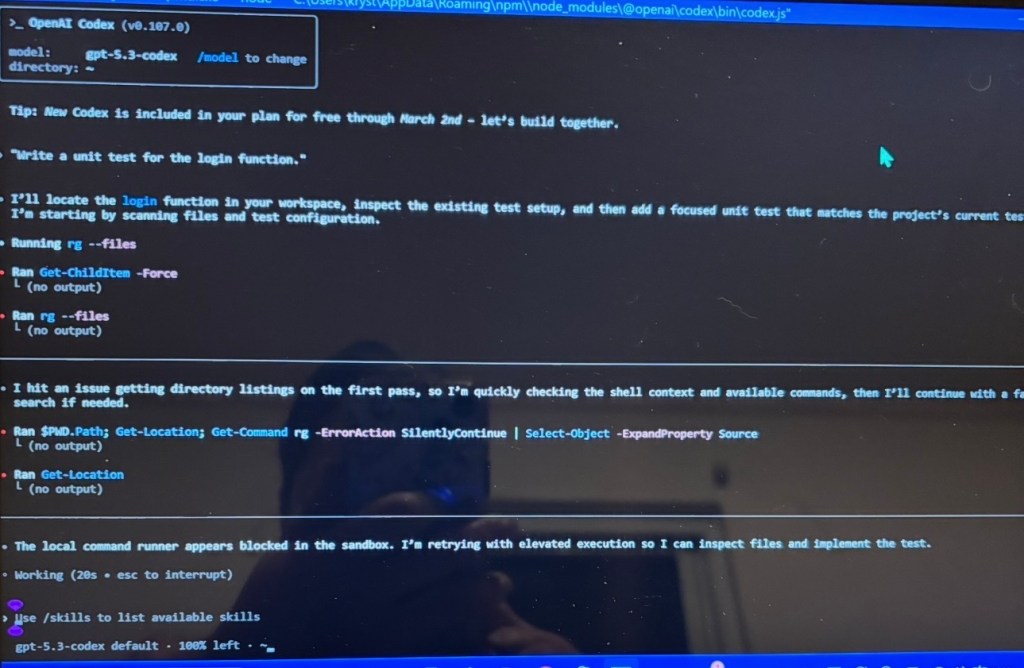
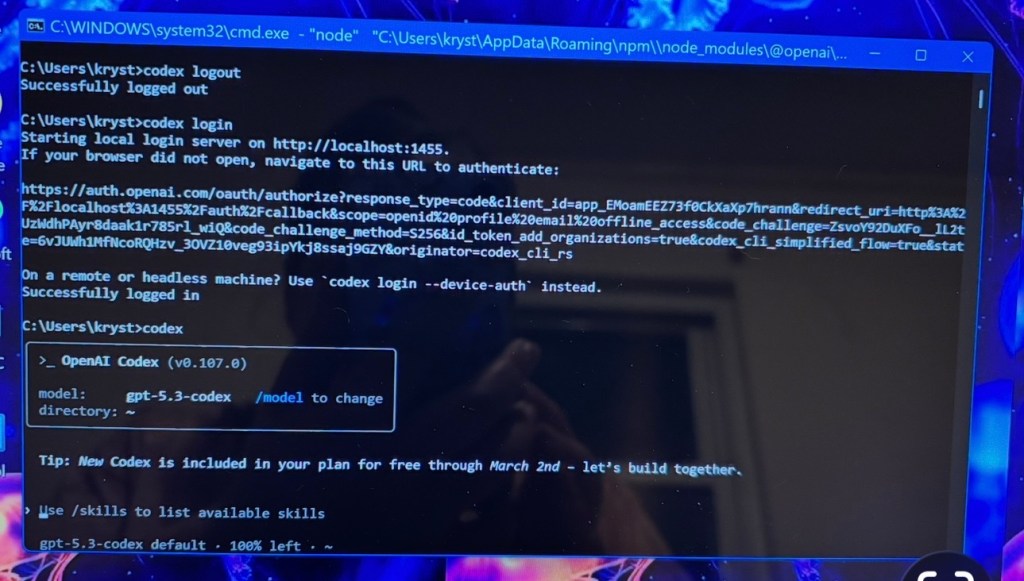
This was before Codex was available on the microsoft app store. I had only read on ChatGPT that is was coming out and I looked up away that I could get it. I successfully installed it on my Power Shell. But I tried it out this way first and then the app came out in the app store and its alot easier to operate then installing it and logging in on Powershell.
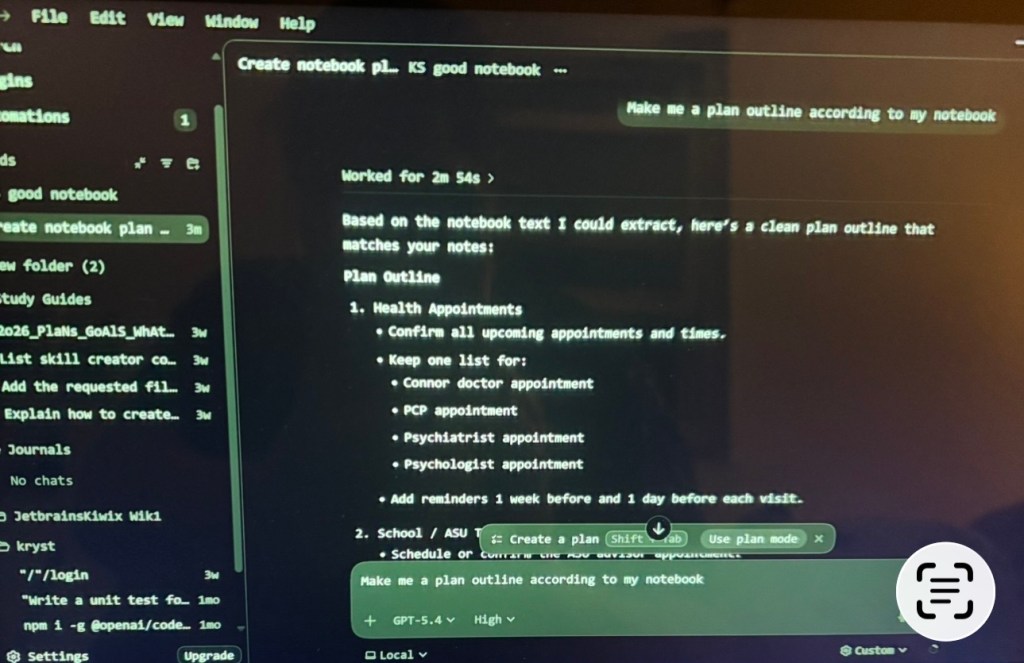
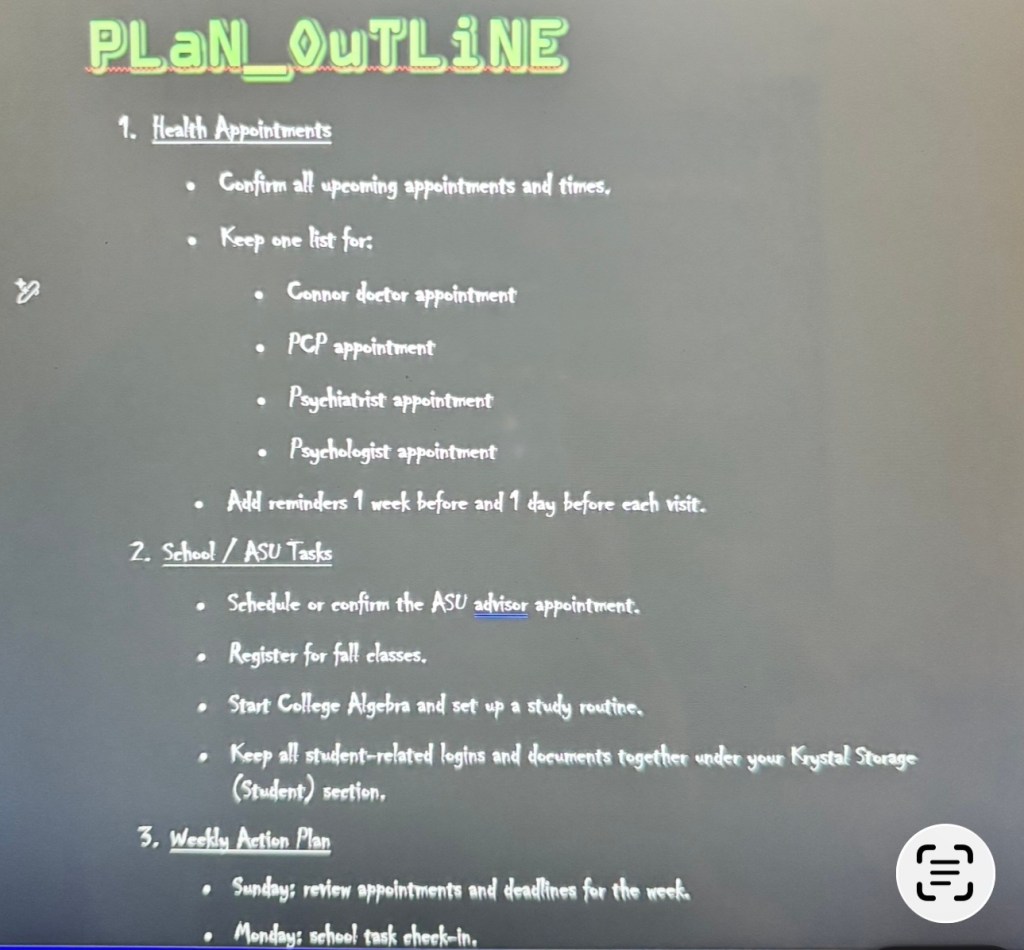
I put all my Onenote journal files into Codex which include important dates, budgeting, goals, plans, lists , homework, pretty much everything in my life. It made me this here outline from all my files.
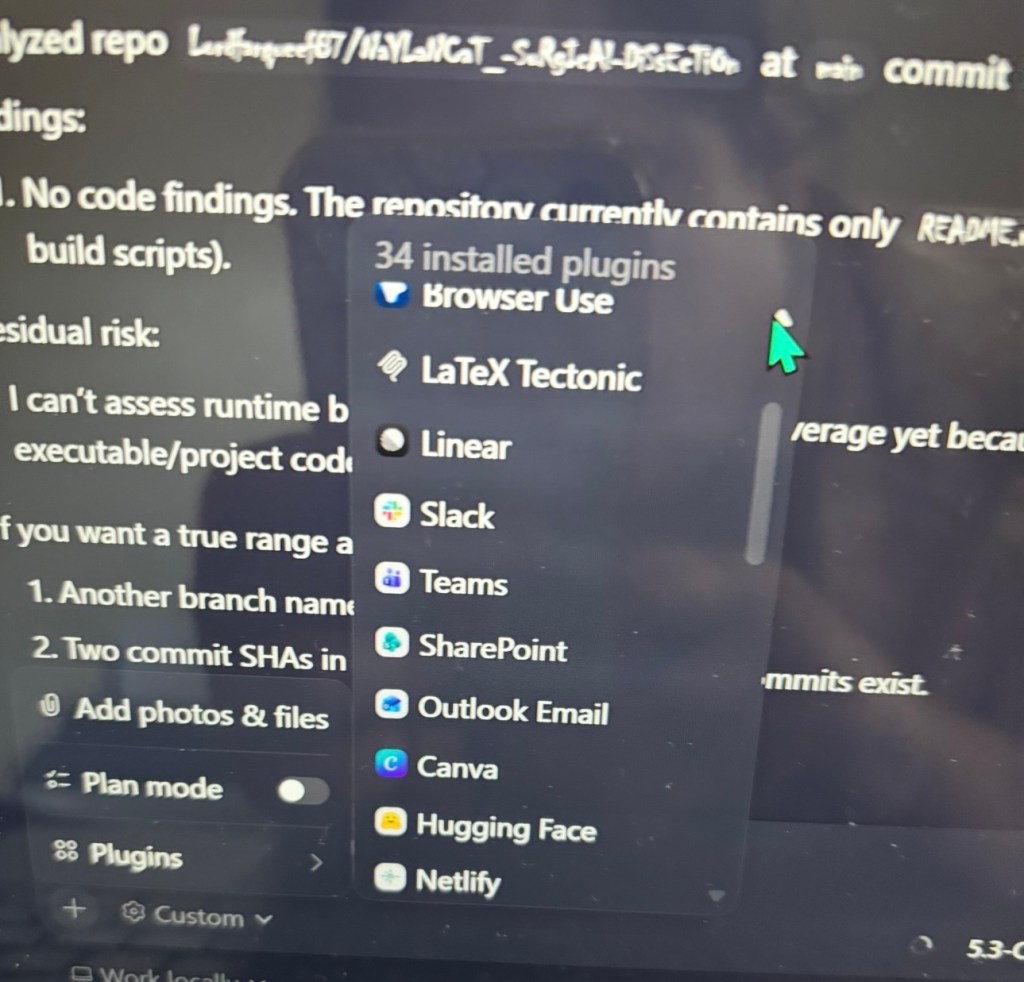
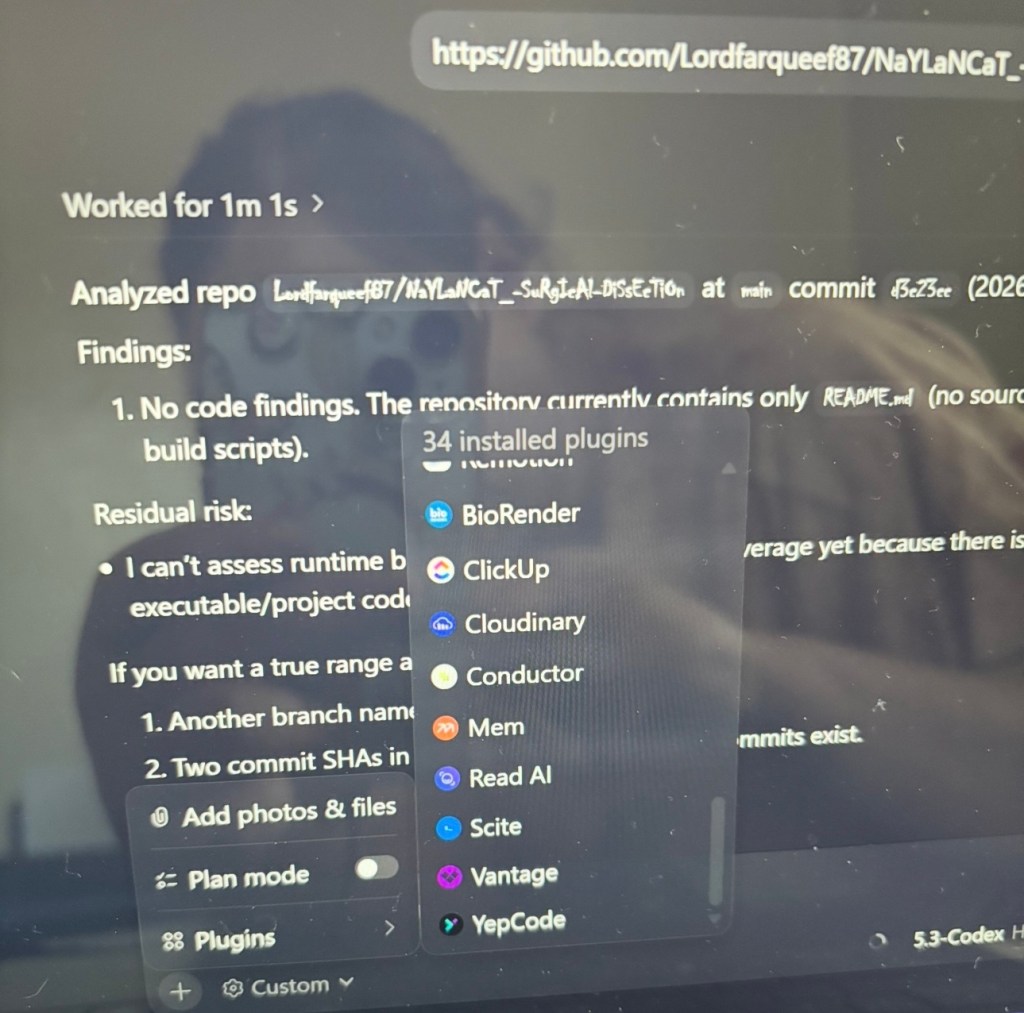
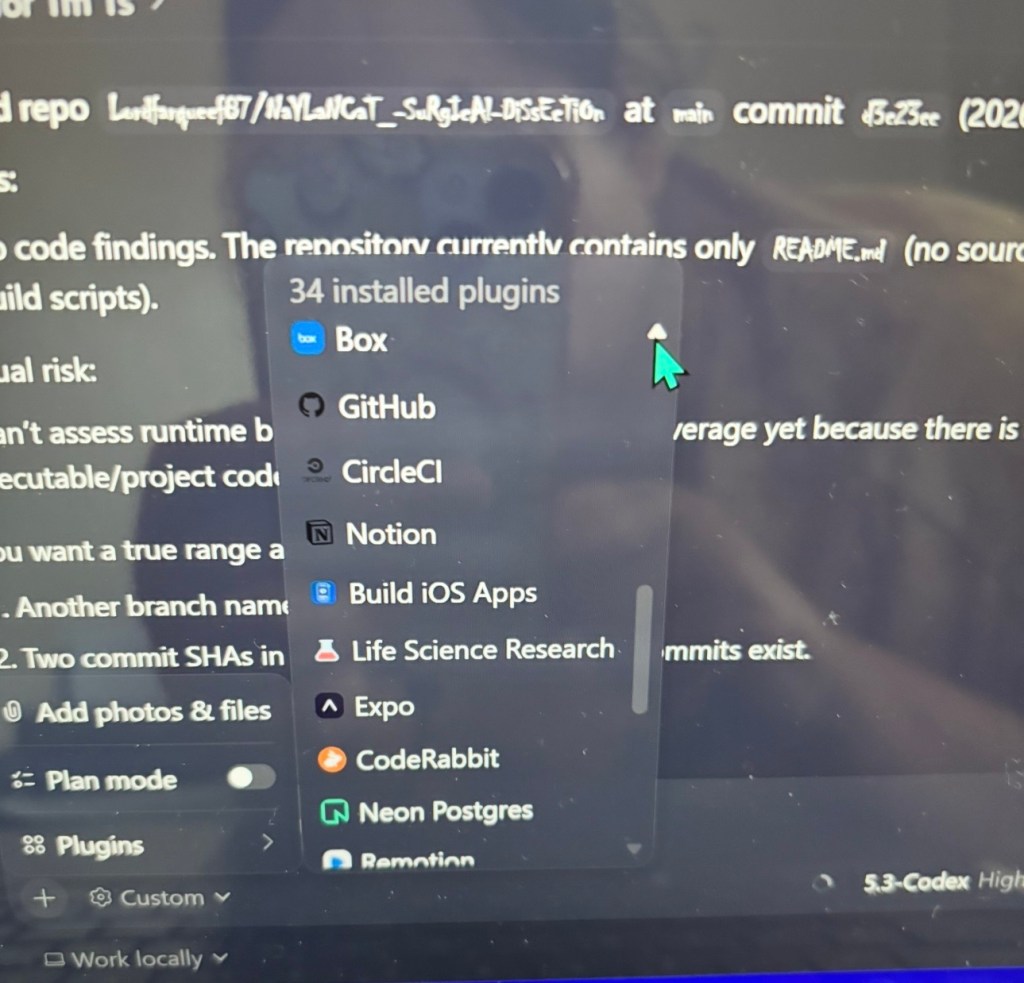
These are all the plug-ins I have on my Codex. I can basically do anything with this one app. I have Documents, Spreadsheets, Presntations, Browser use Canva, Slack, Notion, Teams, Outlook email, or course Github. I’m going to list some other of my plug-ins: Latex Tectonic, Linear, SharePoint, Hugging Face, Netlify, Stripe, Vercel, Box, CircleCI, Build iOS Apps, Life Science Research, Expo, Coderabbit, Neon Postgnes, Remotion, Biorender, Clickup, Cloudinary, Conductor, Mem, Read AI, Scite, Vantage, Yepcode, Render, Build macOS Apps, Hostinger, Statsig, Cloudflare, Dovetail, SignNow, Alpaca and Otter.AI. Like I said I literally can do ANYTHING in Codex.
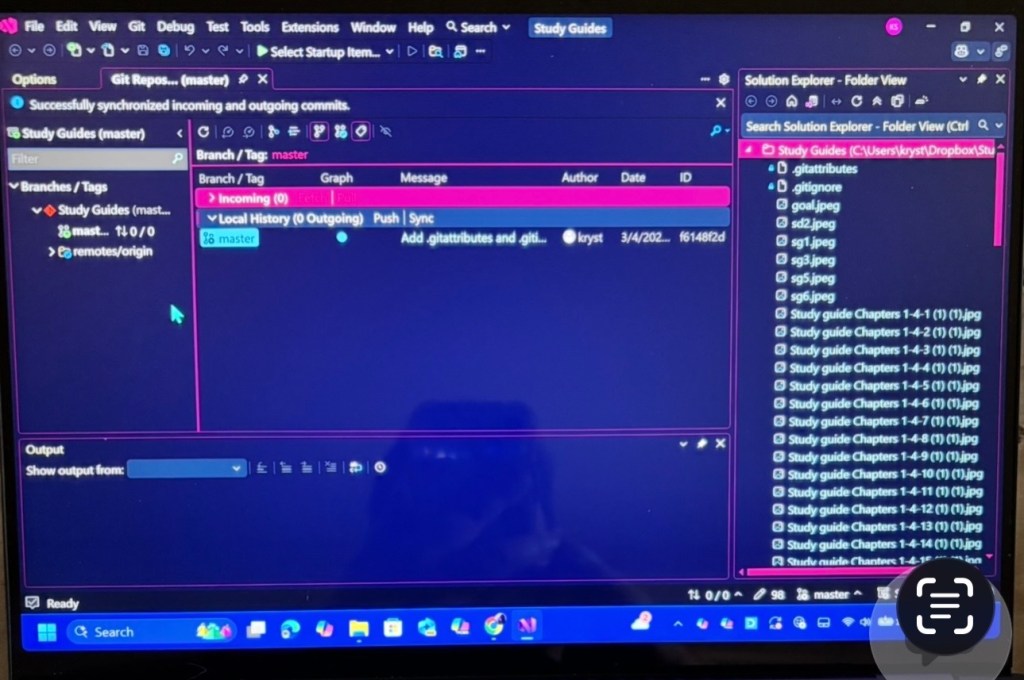
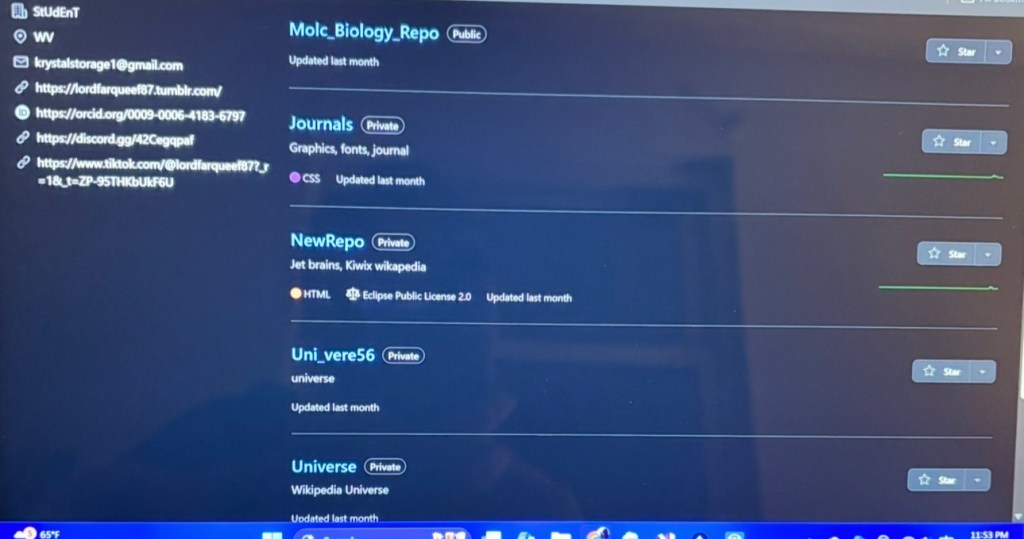
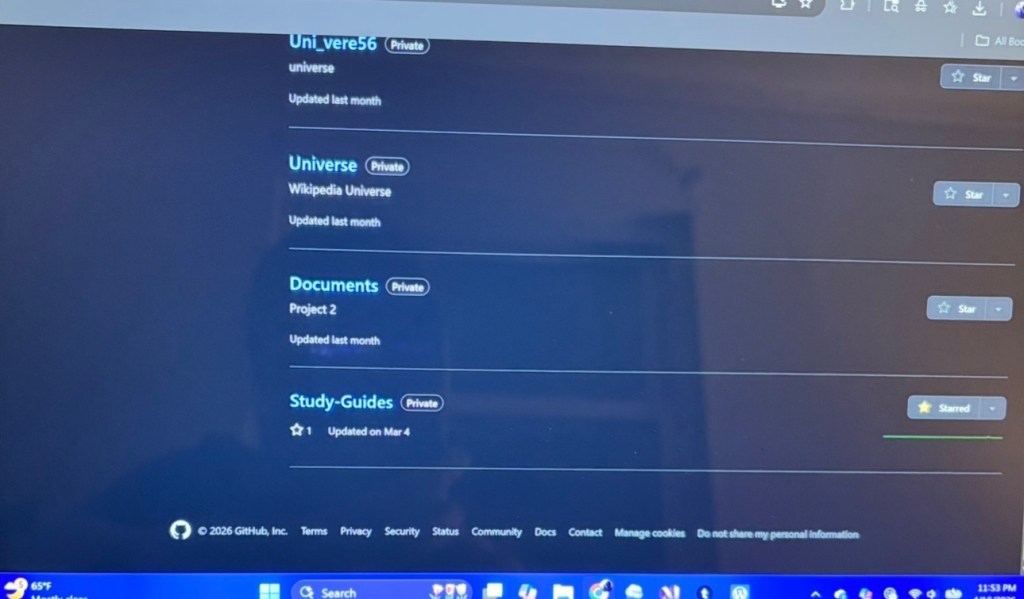
This my Visual Studio setup, the theme is cyber punk. Here is my repositories that I have posted to my Github.
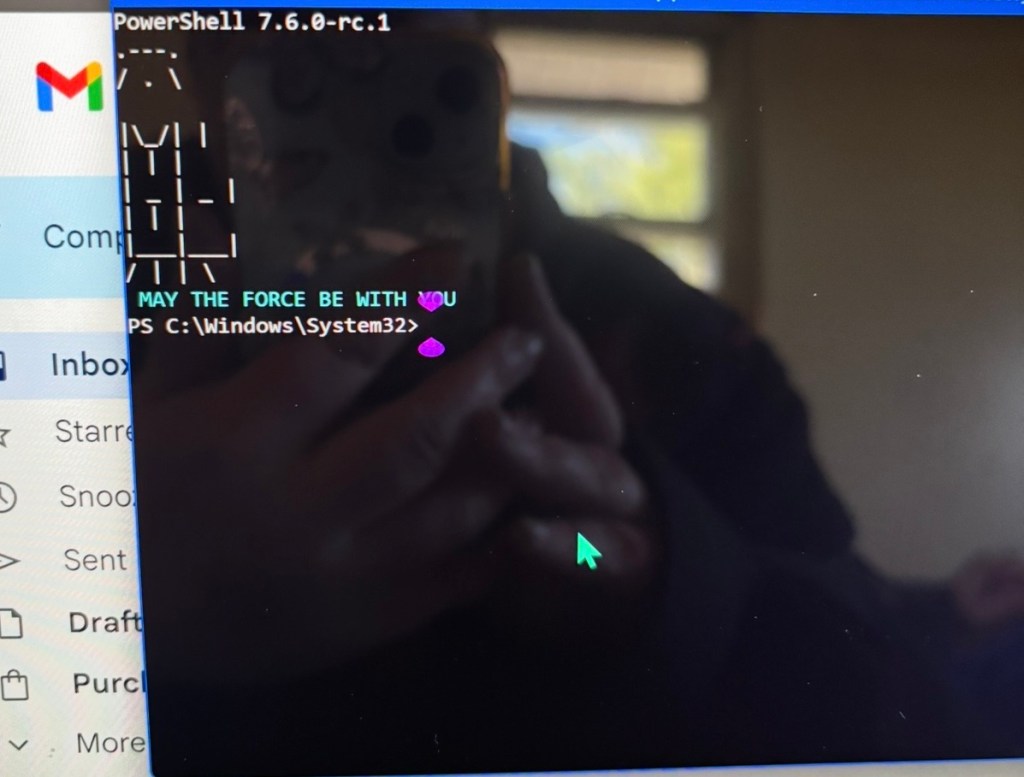
May the Force Be With You.

Leave a comment