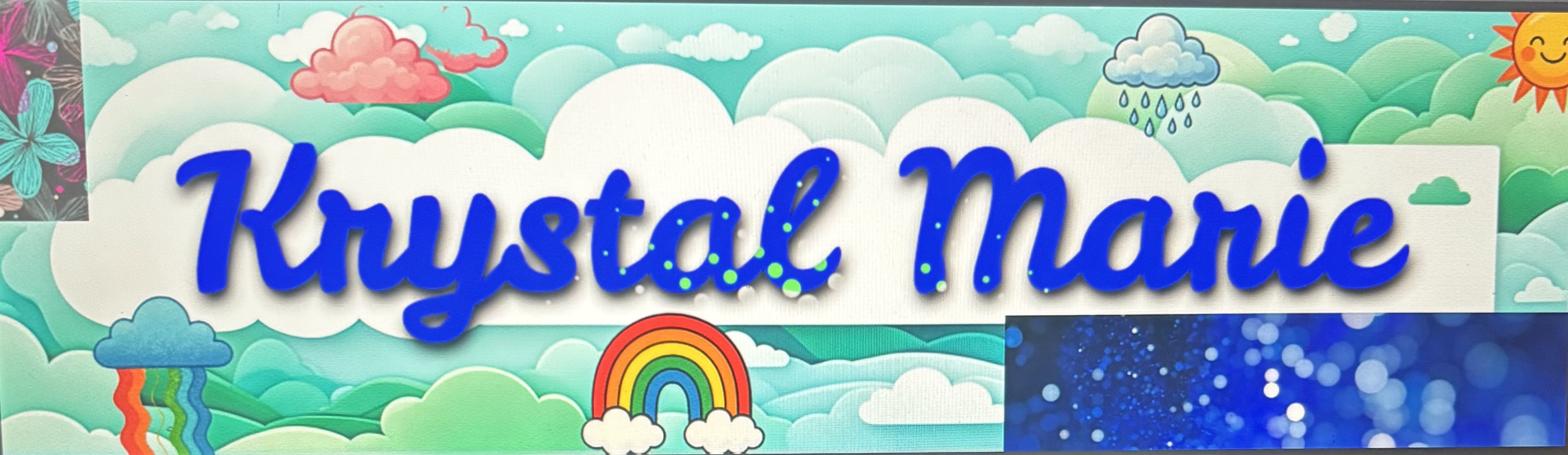
My user page on Wikipedia Images 1-17

Wikipedia is a free online encyclopedia that anyone can read and improve. Wikipedia user pages let contributors share basic information about themselves and their editing interests. A sandbox is a practice space where users can test edits before publishing them. Kiwix lets people download and use Wikipedia offline without internet access.
My User Page Link


I made my Wikipedia User Page with Computer Codes, Images, Gifs and help from Codex and its plug ins. I also used Clickup and Scite and dDaw.io.diagrams and Canvas plus Excel. Most of my page is made using Computer Codes. My Welcome sign, date and time, details, progress bar, library, bibliography ect are all computer codes.
Summary of My Wikipedia User Page
My Wikipedia User page for Kstorage / Krystal Marie is a creative learning profile that shows my interests in science, healthcare, technology, writing, coding, and organization. The page introduces me as a lifelong learner, science enthusiast, creative thinker, and knowledge organizer. It includes personal focus areas such as biology, microbiology, global health, medical coding, applied science, data science, books, writing, knitting, crafts, and AI tools. The page also shows my current Wikipedia activity, including editing articles, fixing typos, learning new things, using the sandbox, and practicing good editing habits.
The page is organized with many visual sections, including a welcome banner, pastel theme box, profile details, social media links, favorite activities, color badges, progress bars, editing reminders, article links, science images, chemistry formulas, maps, calendar graphics, a virtual bookshelf, and a large mind map. These visuals make the page look more personal and interactive while also showing my learning goals and creative style. The page uses tables, badges, colored boxes, image galleries, progress bars, and code-style boxes to organize information clearly.
User Pages Codes
public class EditingGoals {
public static void main(String[] args) {
String[] goals = {
“Use reliable sources”,
“Write neutrally”,
“Fix grammar”,
“Improve article quality”,
“Leave helpful edit summaries”
};
    for (String goal : goals) {
        System.out.println("Goal: " + goal);
    }
}
}public class EditorMode {
public static void main(String[] args) {
String user = “YourUsername”;
boolean learning = true;
    System.out.println(user + " is improving Wikipedia.");
}}C8H10N4O2 — Caffeine
C6H12O6 — Glucose
Mindmap

Tags
#WikipediaUserPage #Kstorage #LifelongLearning #Science #Biology #Microbiology #HealthcareEducation #MedicalCoding #DataScience #Technology #AI #GitHub #Notion #StudyGuides #CreativeProjects #Writing #Books #Knitting #KnowledgeOrganization
Detailed Spreadsheet-Style Version:
| Main Area | Details From Page | Visual/Data Used | Purpose |
|---|---|---|---|
| Identity | Kstorage / Krystal Marie | Welcome banner, profile photo, quote | Introduces the user and personal learning style |
| Main Theme | Lifelong learner, science enthusiast, creative thinker, knowledge organizer | Pastel aesthetic box, emojis, section dividers | Gives the page a creative educational theme |
| About Me | Science, healthcare, technology, education, writing, creative projects | Text section | Explains personal interests and learning journey |
| Interests | Biology, microbiology, global health, data science, books, knitting, AI tools | Bullet list | Shows major study and hobby areas |
| Current Projects | Science study guides, knowledge hub, writing/blogging, creative projects | Table with project/focus columns | Organizes active goals |
| Favorite Tools | Notion, GitHub, Visual Studio Code, WordPress, AI tools | Bullet list | Shows tools used for learning and creating |
| Tags | DataScience, GlobalHealth, MedicalCoding, Biology, Microbiology, Writing, Books, AI, GitHub, Notion | Hashtag list | Labels the main topics of the page |
| Learning Progress | Biology 85%, Data Science 65%, Coding & AI Tools 70%, Creative Projects 90% | Colored progress bars | Shows strengths and progress levels |
| To-Do List | Finish biology notes, update study guides, organize GitHub, write blog post, add knitting tutorial, review flashcards | Numbered checklist | Tracks next tasks |
| Wikipedia Editing | Fix typos, improve articles, use reliable sources, write neutrally | Editing reminders and checklist | Shows responsible editing habits |
| Sandbox | Practice area for drafts and experiments | Sandbox box | Explains where page edits can be tested |
| Code Sections | Java examples, terminal-style boxes, chemistry HTML | Code snippets | Adds technology and coding personality |
| Visual Sections | Map, calendar, science images, bookshelf, favorite colors, mind map | Images, tables, badges, gallery layout | Makes the page more interactive and organized |
| References | GIPHY, Google, OpenAI Codex App | Citation list | Gives credit to sources used |
User Page Timeline


Leave a comment